
BrowserAgent
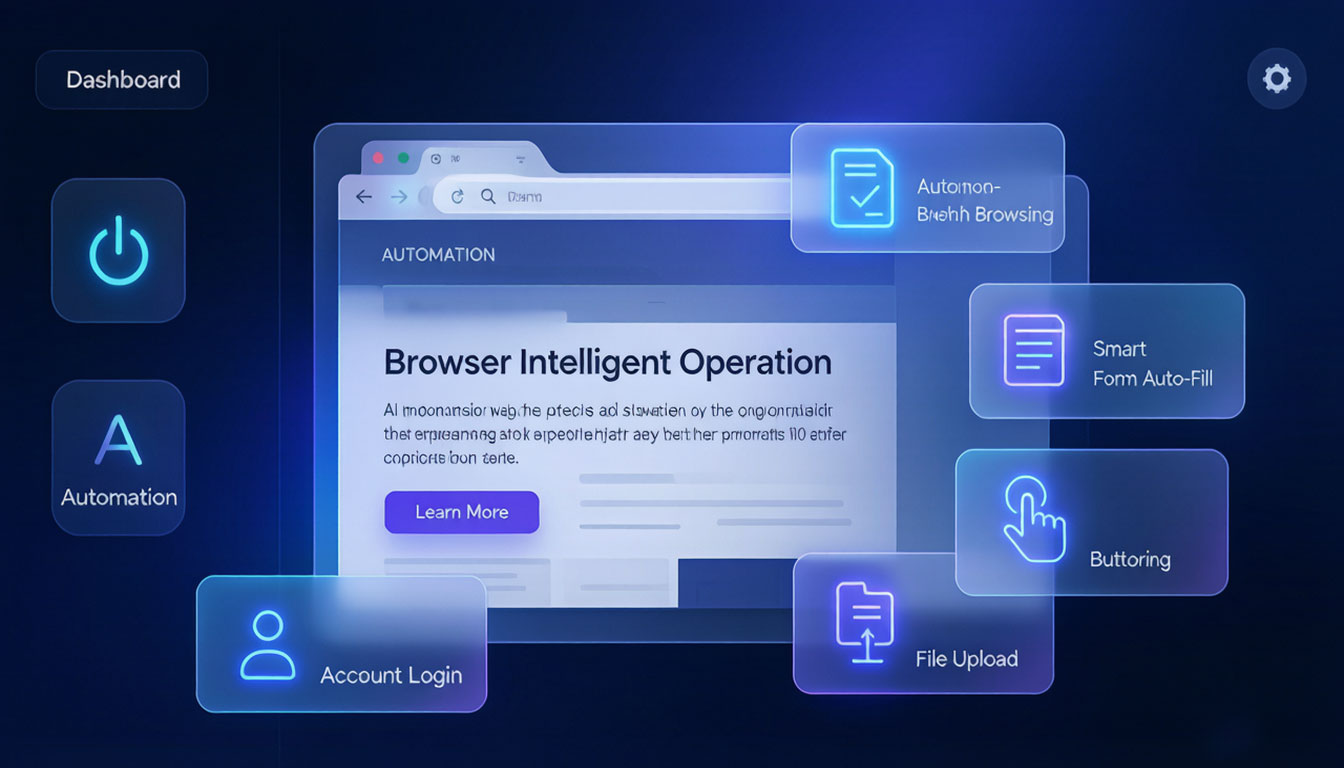
An AI agent that operates web pages automatically. It uses the browser like a person: browsing pages, reading information, filling forms, clicking buttons, uploading files and signing in — automating repetitive web tasks end to end. You say the word, it does the work.
7×24
Run web tasks automatically around the clock
1 sentence
Describe the task and AI runs the whole process automatically
0 scripts
No code needed, and it adapts to page redesigns
100%
Every action logged and replayable
Operates web pages like a person, but faster and more consistently
Eight capabilities — browsing, recognition, filling, clicking, uploading and signing in — cover the full web operation chain.
Autonomous web browsing
The AI navigates the browser autonomously — understanding page structure, clicking links, switching tabs and scrolling — moving between pages like a person.
Page information recognition
It intelligently recognizes forms, buttons, input fields, dropdowns and checkboxes on a page, and understands the page text and data.
Smart form filling
It recognizes form field semantics automatically and fills in the right content, supporting text, select, date and multi-select fields.
Automatic button operations
It clicks buttons, selects dropdown options, checks boxes and submits forms automatically with no human intervention.
File upload handling
It handles file selection and upload automatically for common types like images, documents and attachments — produce and publish in one go.
Account login and sessions
Manage account sign-ins and cookie sessions with automatic session retention, making multi-account rotation safe and controllable.
Business Process Automation
It chains browsing → recognition → filling → clicking → uploading → submitting into one complete flow, running it automatically and verifying the result.
Execution audit trail
Every step is fully recorded and can be replayed, traced and reviewed, so problems are easy to locate and fix.
A one-sentence task delivered automatically in four steps
From task description to result validation, AI takes over at every step.
Describe the task
Describe a web task in one sentence, for example "publish this article to Baijiahao."
AI plans the path
AI breaks down the steps, plans the action path and determines which pages to visit and in what order.
Browser executes automatically
It browses autonomously, recognizes elements, fills forms, clicks buttons and uploads files, completing operations step by step.
Validate and deliver
It verifies whether the result is correct and outputs an execution report, making success or failure clear.
One instruction and the browser runs on its own
Describe what you need in the task workspace and BrowserAgent breaks it down, executes and leaves an audit trail.
Task description
"Publish AI Web Automation Guide to Baijiahao, title and body are filled in — upload a cover image and publish."
- Give instructions in natural language, no scripts needed
- AI automatically breaks down steps and plans the path
- Automatic retry on failure and validation on completion
Execution log
Hand repetitive web operations to AI
Anything you can do in a browser, BrowserAgent can run for you automatically.
Cross-platform web operations
Complete the same operation across multiple websites and accounts — configure once, run in bulk.
Automatic business form filling
Form filling for data entry, order submission and qualification filing runs automatically in bulk — no more copy-paste.
Automatic content publishing
After generating an article, post or video, it signs into each platform, fills in the title and body, uploads images and publishes.
Repetitive web tasks
High-frequency repetitive work like daily reports, data collection and information verification runs automatically every day.
FAQ
How is it different from RPA?
RPA relies on recorded fixed steps and breaks as soon as the page changes; BrowserAgent uses AI to understand page semantics and decide in real time, adapting even when the page is redesigned.
Do I need to write scripts myself?
No. Just describe the task in natural language and AI breaks it into steps and executes; non-technical users can get started immediately.
How are login and verification codes handled?
Supports cookies to keep sessions signed in; if a CAPTCHA appears, a person can step in remotely once and the rest of the flow continues automatically.
Is the execution process secure?
All operations are recorded and replayable; account credentials are stored only in local encrypted storage and never passed to third parties.
Which web platforms does it suit?
It can operate any browser-based website, covering government services, enterprise systems, social media, e-commerce, recruiting and more.
Works with other products for a complete capability loop
BrowserAgent is not an island — it works together with the whole WaoX product family.
GEO
BrowserAgent handles real page execution while GEO handles content production and distribution scheduling
View DetailsAI Writing Agent
Once written, BrowserAgent signs into each platform and publishes automatically — writing and publishing fully automated
View DetailsSocial Content Generation
Generated social posts are published to each social platform in bulk by BrowserAgent
View DetailsWattAgent
WTAgent's local browser control complements BrowserAgent's cloud automation
View DetailsThis product is in beta. The page is a product design concept with illustrative UI; actual capabilities are subject to the official release.